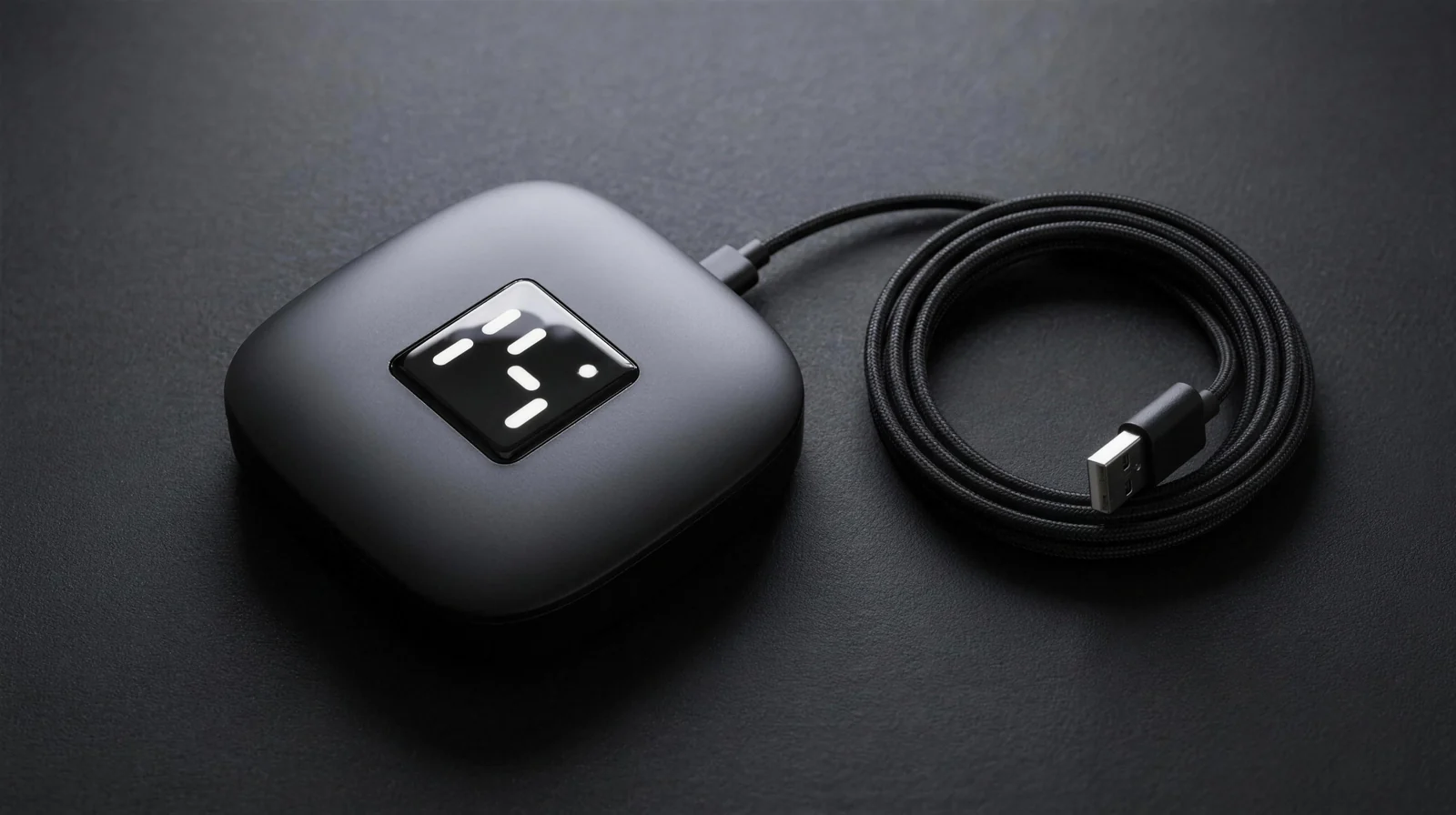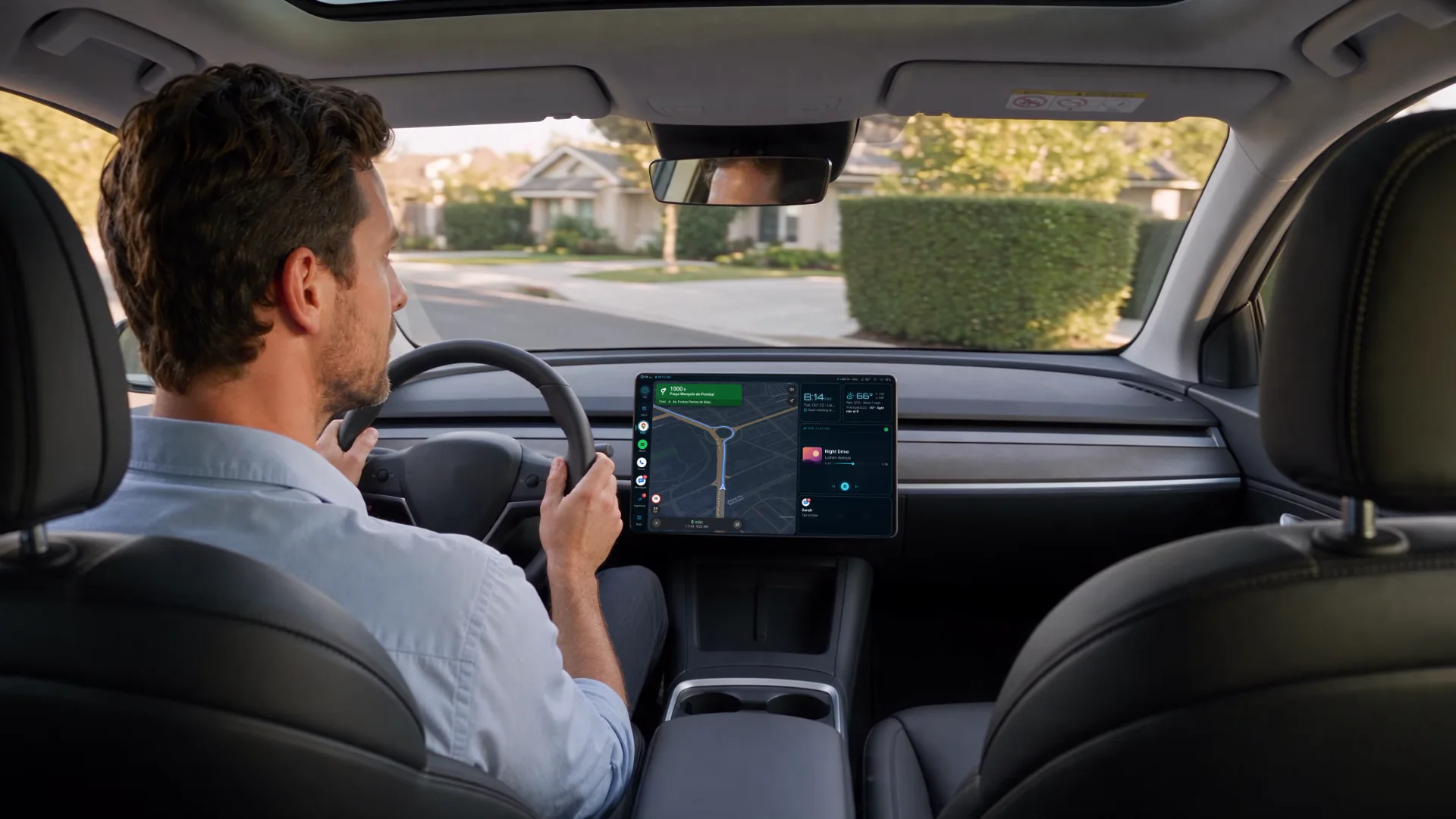
Film: in the morning a man gets into his car. The MOTION.i4 screen wakes with the AGENT.i4 orb, opens his Home and, as he backs out of the driveway, the Home for driving.
MOTION.i4 · For your car
MOTION.i4.Your conversation, now on the road.
Same voice. Same assistant. Same brain. Now on the road.
- Works with LINK.i4 Mark I
- Coming soon

MOTION.i4 Box
Your phone is the brain.Your car is the body.
The MOTION.i4 Box plugs into your car's USB port. Your LINK.i4 Mark I does the thinking; the car lends its screen, microphone, steering-wheel voice button and speakers.
- Plug in once.
- Opens by itself every time you start the car: the orb first, then your Home screen.
- Nothing to install in the car.
- Your car's own screen is one tap away. Unplug it and the car is exactly as it was.
- LINK.i4 Mark Ithe brain
- MOTION.i4 Boxin the USB port
- Your car
- Screen
- Microphone
- Wheel button
- Speakers
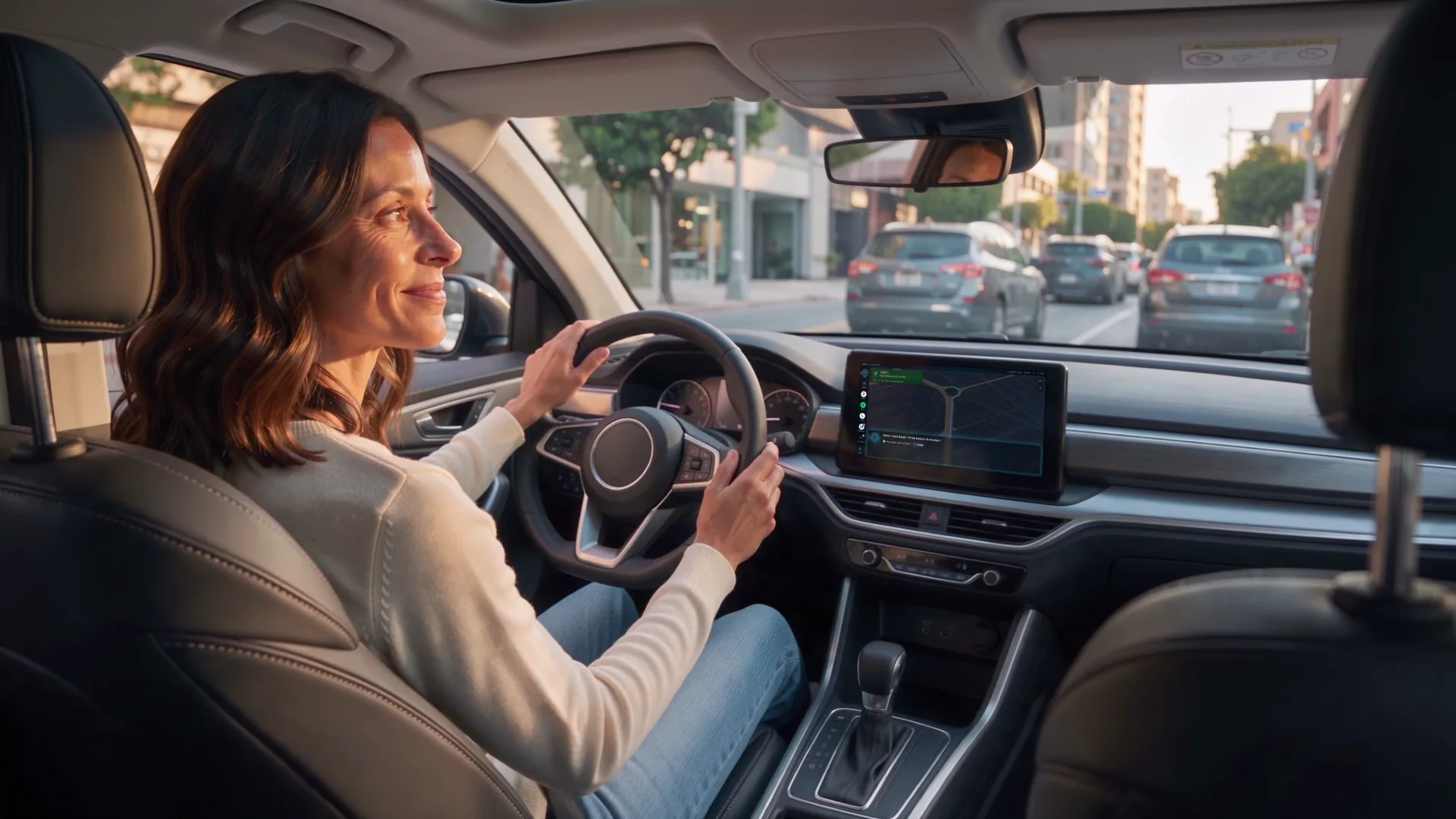
Film: stopped in slow traffic, a woman presses the voice button on the steering wheel and asks AGENT.i4 to tell Sarah she'll be there in 8 minutes. The screen shows what she said and, after her yes, that the message was sent.
You: Tell Sarah I'll be there in 8 minutes.
AGENT.i4: "I'll be there in 8 minutes." Send it?
You: Yes.
Voice first
Eyes on the road.Hands on the wheel.
Press the voice button on your steering wheel, or just call your assistant by name. AGENT.i4 answers through the car's speakers, shows on screen what it understood and asks before it sends anything.
-
Pick up where you left off
The car wakes with the orb and a good morning, then opens your Home screen with what you were doing on your phone.
-
Messages, by voice
Read aloud, answered by voice and sent with a "yes". While you drive, the text never shows on screen.
-
Your day, on the way
The time, the weather (at your destination too), your next meeting and your music, at a glance.
Everything you use
Everything you use.Sized for the road.
Maps, music, videos, calls, messages, approvals, your Brain 2, your health and your home. Each one designed twice: for when you're parked and for when you're driving.

Example data. The apps and the map are the ones on your phone and the box.
Navigation
Just saywhere to.
Ask for a place the way you'd ask a friend. Your map opens on the car screen in night mode, with the next turn, the speed limit and the arrival time.
- Say where you're going.
- Your map, in night mode, on the car screen.
- Calls and messages arrive over the map; the route never disappears.
- Uses your phone's GPS.
Animation: on a coastal road, the car screen shows the navigation; halfway there a call comes in, in a strip over the map, which becomes a slim strip once answered.
You: Take me to the office.
AGENT.i4: 8 minutes. Let's go.
AGENT.i4: Sarah is calling. Shall I answer?
You: Answer.
AGENT.i4: You're on the call. The route stays on top.
By voice
Just ask.Eyes on the road.
Everything you can tap, you can also ask AGENT.i4 for. A little of what you can say while you drive:
Where to
- Take me to the office.
- Find a charger on the way.
- Where did I park?
Calls
- Call Sarah.
- Call back the last call.
- Decline and text ‘I’m driving’.
Messages
- Read my messages.
- Tell Sarah I'm running late.
- Send my location to Maya.
Music and podcasts
- Play my morning playlist.
- Resume my podcast.
- What song is this?
Your day and Brain 2
- What do I need to remember today?
- Remember that Mum's birthday is on the 21st.
- Move the meeting to 10.
Approvals
- What approvals are waiting?
- Approve Daniel's quote.
- Leave it for when I stop.
Health
- How is my heart rate?
- I'm tired.
- Remind me to stop in an hour.
Home
- Open the gate.
- Turn on the air con at home.
- Tell me when I'm 5 minutes from home.
You and your car
- Driving focus mode.
- Record a voice note.
- Tell Sarah I've arrived.
Any screen
Any screen.The right size.
From the small screens of older cars to ultra-wide dashboards and tall vertical screens, MOTION.i4 fits the screen your car really has.
| Model | Size | Resolution | Where you'll find it |
|---|---|---|---|
| Compact | ~7" | 800 × 480 | smaller and older cars |
| Standard | ~8–10" | 1280 × 720 · 1280 × 800 | most cars |
| Ultra-wide | ~10–12" | 1920 × 720 | the wide dashboards of new cars |
| Vertical | ~9–14" vertical | 768 × 1024 · 1200 × 1920 | the vertical screens in the middle of the dashboard |
Typical sizes. MOTION.i4 reads your car's real screen every time it connects.
- Reads the real size of your car's screen.
- Text measured in millimetres, to read at arm's length.
- Small round icons with large touch areas.
- Never changes your car's settings.
Made for driving
Made for driving.Made for every driver.
Designed for the road, and for every person who takes the wheel with their own phone and their own assistant.
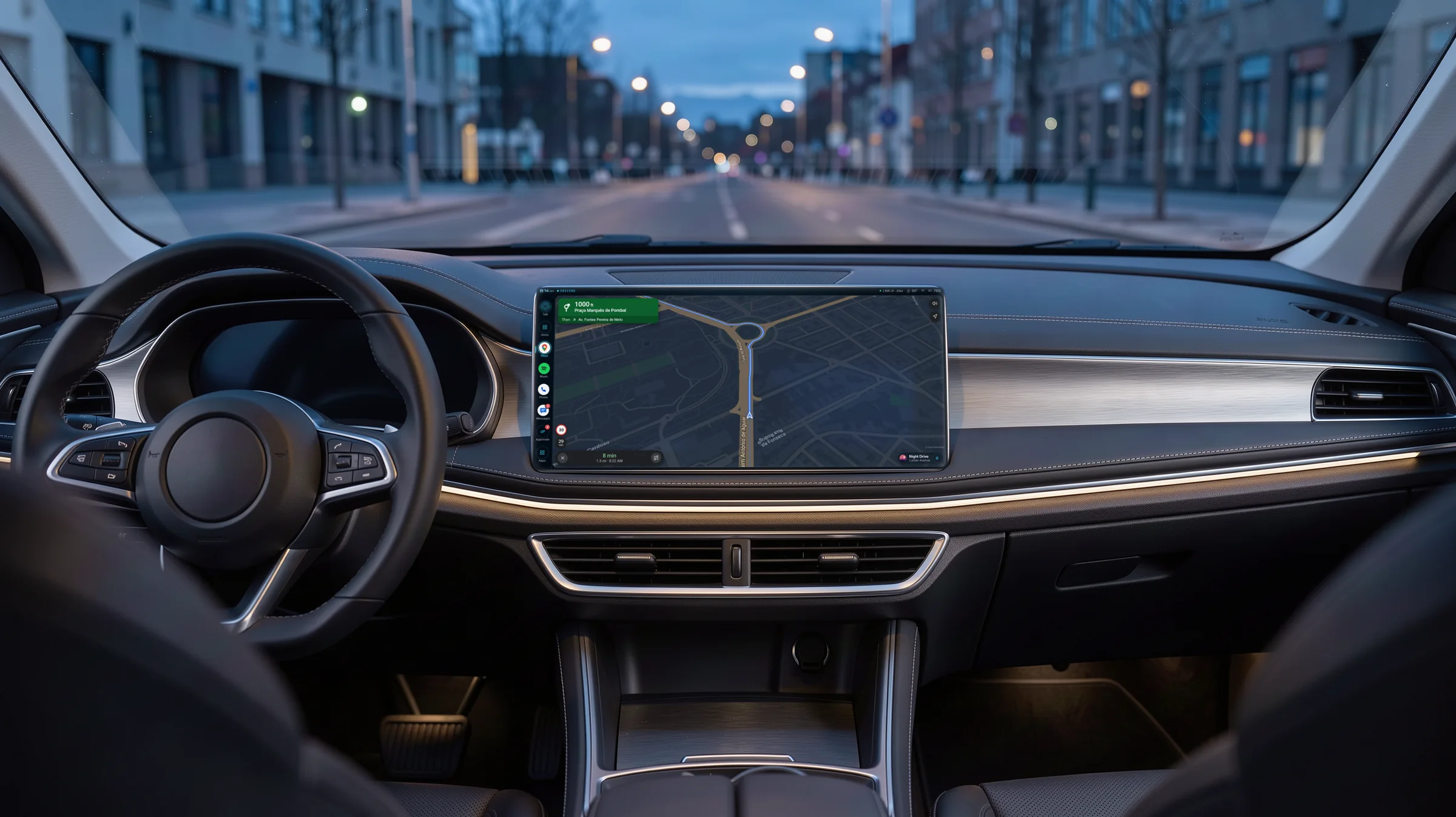
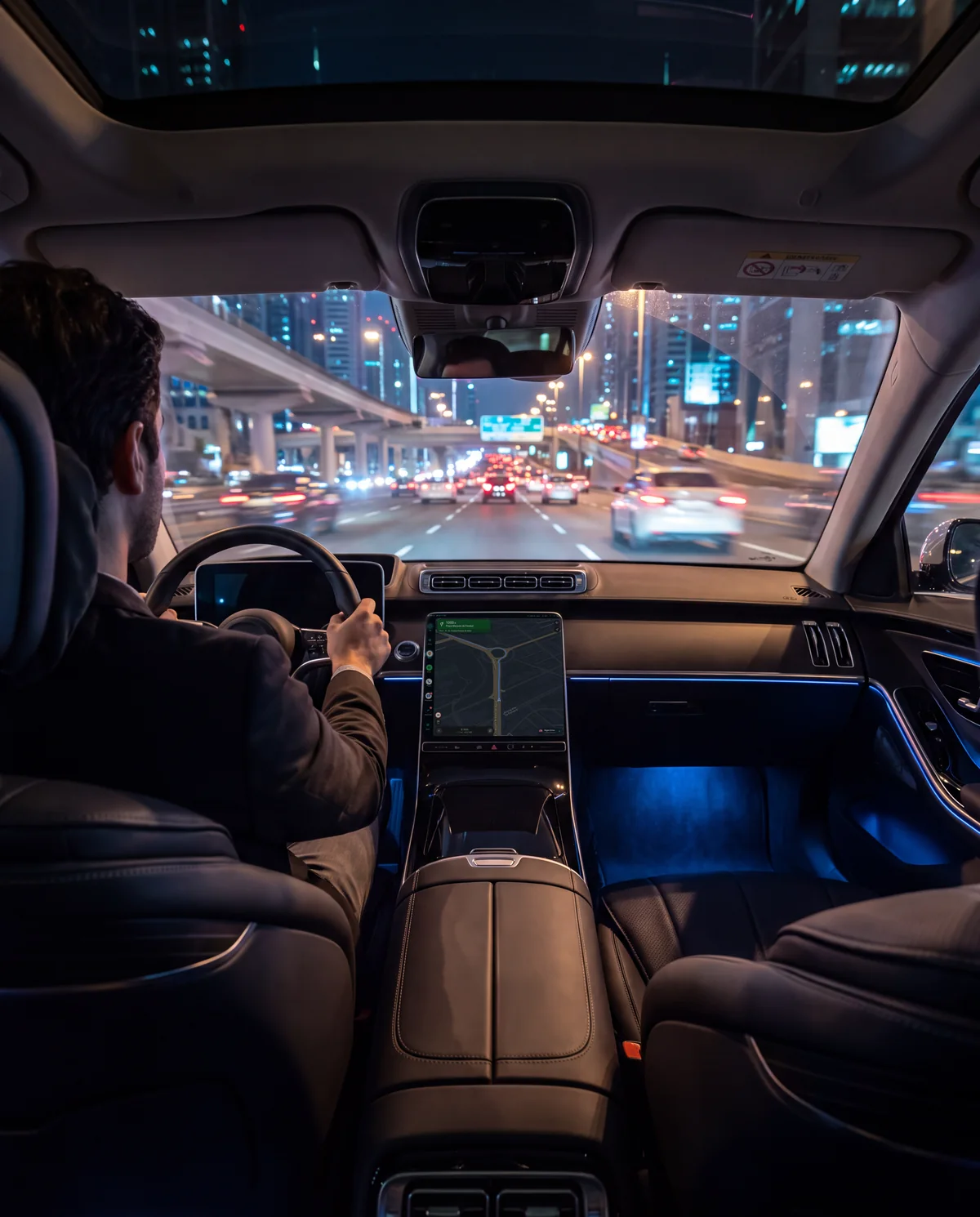
At night 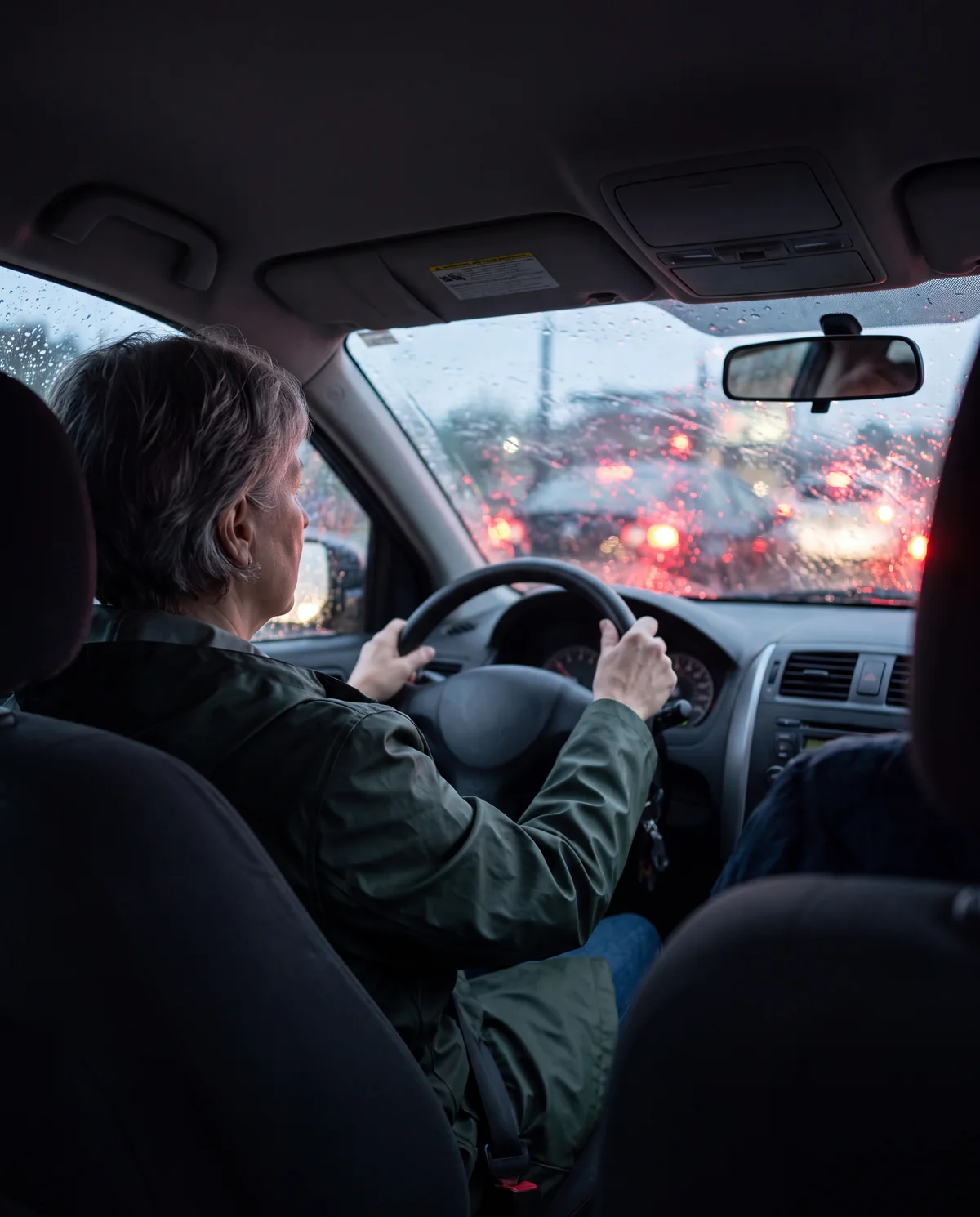
In the rain 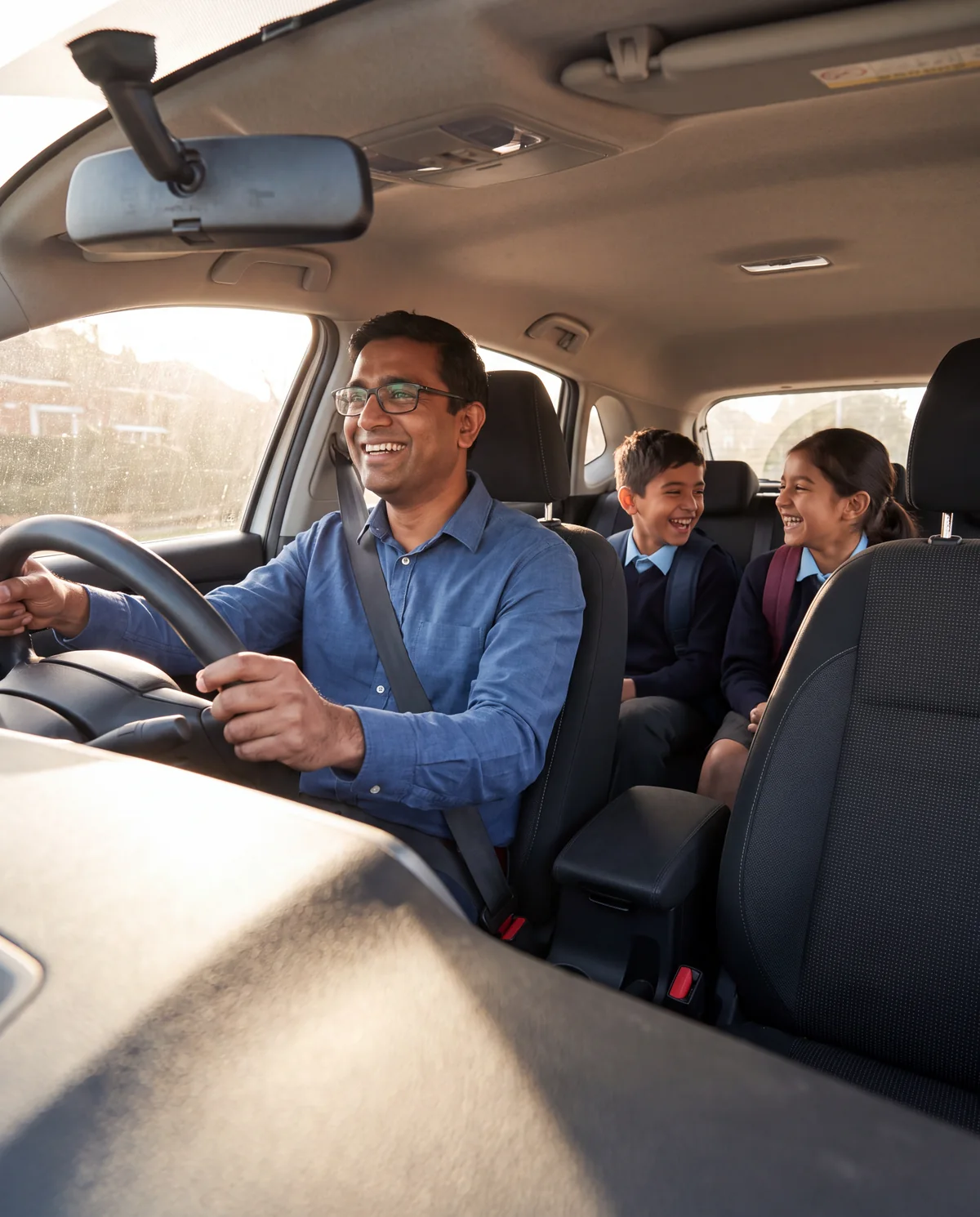
The school run 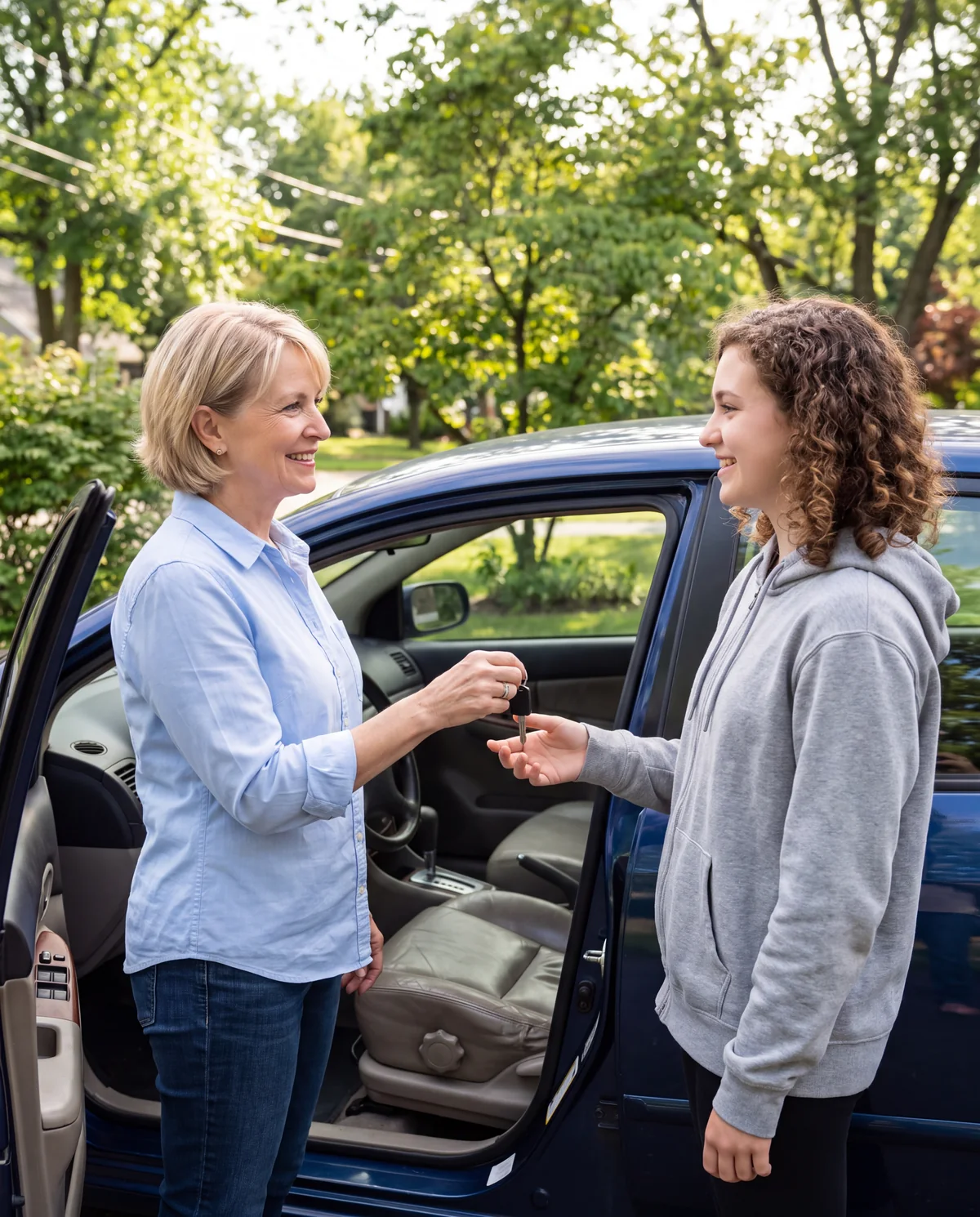
Changing drivers
Driving
- Voice first.
- Driving: the map and at most 2 cards, one alert at a time.
- Driving mode turns on by itself.
- No video while you drive; the sound keeps playing.
- Approvals while driving: just Yes or No.
- Night mode and your country's units.
Who's driving
- Whoever connects their phone gets their own assistant, language and calendar.
- A second phone waits and shows nothing.
- The car keeps nothing about you.
Be the first
Be the firston the road.
MOTION.i4 is coming soon. Leave your phone number and your email and you'll be the first to know.
Specifications
- Plugs into
- The USB port of cars with wired Apple CarPlay or Android Auto
- Works with
- LINK.i4 Mark I
- Screens
- From 7" to 15", landscape and vertical
- Voice
- The steering-wheel voice button, or your assistant's name
- Sound
- The car's speakers
- Themes
- The 16 LINK.i4 themes, with night mode
- Privacy
- The car keeps no personal data